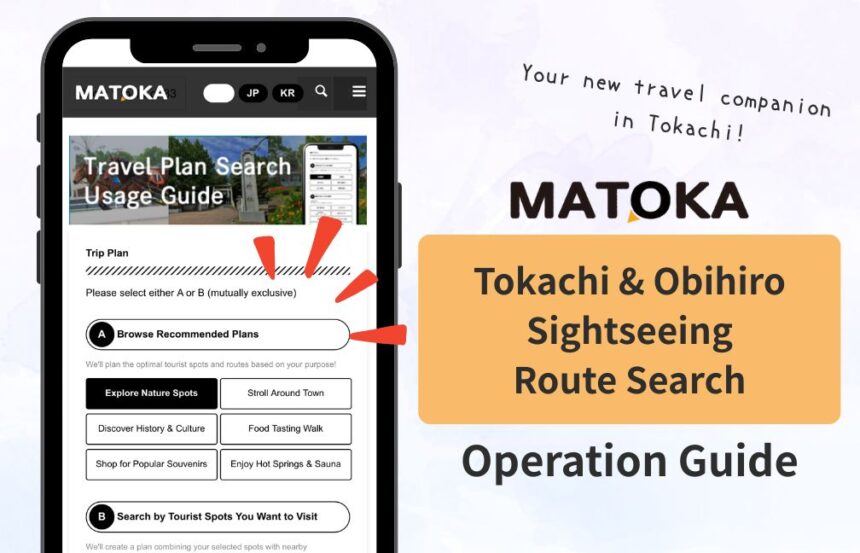

On December 1, 2025, MATOKA introduced a new feature: the “Tokachi & Obihiro Sightseeing Route Search.” Simply choose your departure time, location, and places you’re interested in, and it automatically creates a personalized recommended route just for you.
By combining MATOKA—which shares Tokachi’s charm and event information almost daily—with the “Tokachi & Obihiro Sightseeing Route Search,” even a short trip can become a rich and memorable experience.
Follow this guide to customize your ideal Tokachi adventure in no time. Let’s get started!
Contents
- Scroll to the Bottom of the MATOKA Website (Articles or Categories)
- 1. Choose Your Desired Spots or a Ready-Made Plan
- 2. Choose Who You Are Traveling With and Decide Course Duration
- 3. Choose Starting Point, Weather Preferences, and Transportation
- 4. Multiple Route Results Will Appear
- 5. Share or Bookmark Your Selected Course
- Master MATOKA and Create Your Very Own Guidebook
Scroll to the Bottom of the MATOKA Website (Articles or Categories)
First, open any MATOKA article or category page and scroll down to the bottom.
1. Choose Your Desired Spots or a Ready-Made Plan
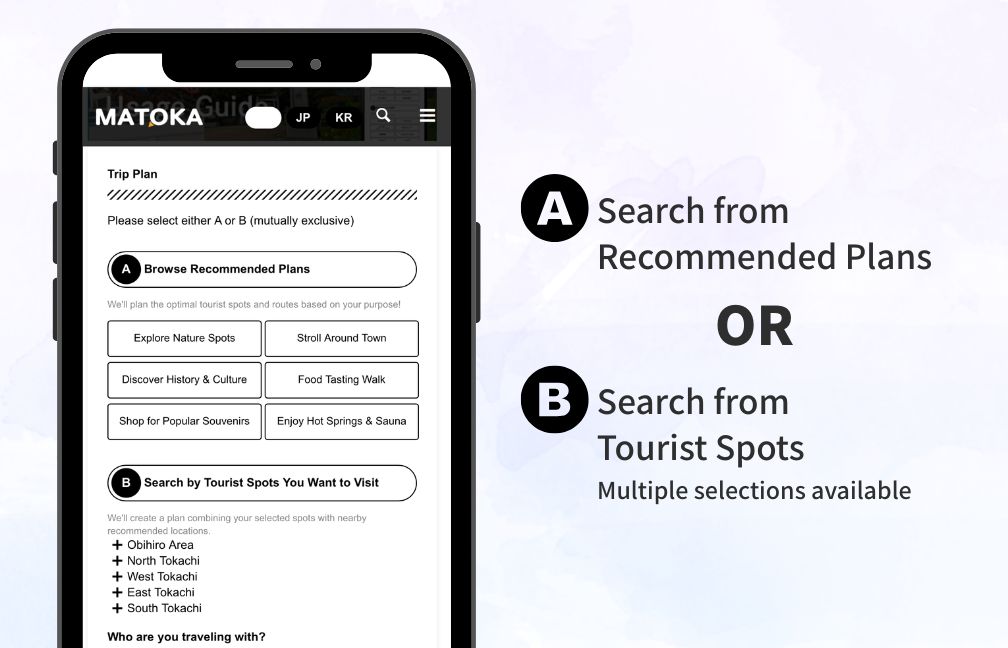
“A: Search from Recommended Plans” offers curated route plans created by travel experts or locals for their friends and visitors. Select one that fits your travel purpose or theme.
“B: Search from Tourist Spots” lets you choose destinations yourself. Tap an area and keep adding places of interest.
2. Choose Who You Are Traveling With and Decide Course Duration
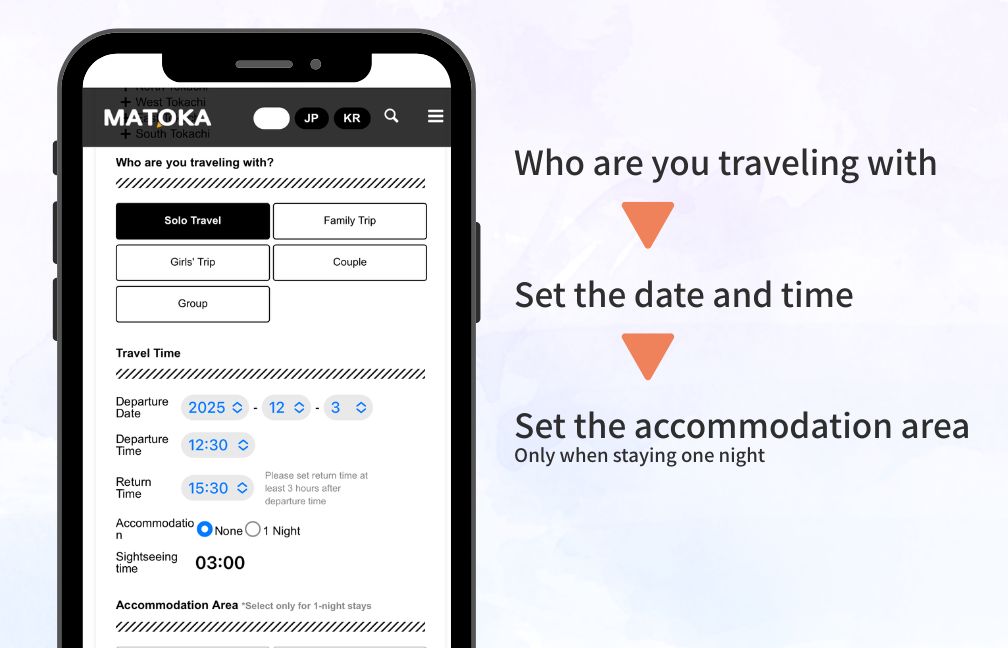
Select your travel companions—solo, family, girls’ trip, etc. The system will recommend destinations that match your group type.
3. Choose Starting Point, Weather Preferences, and Transportation
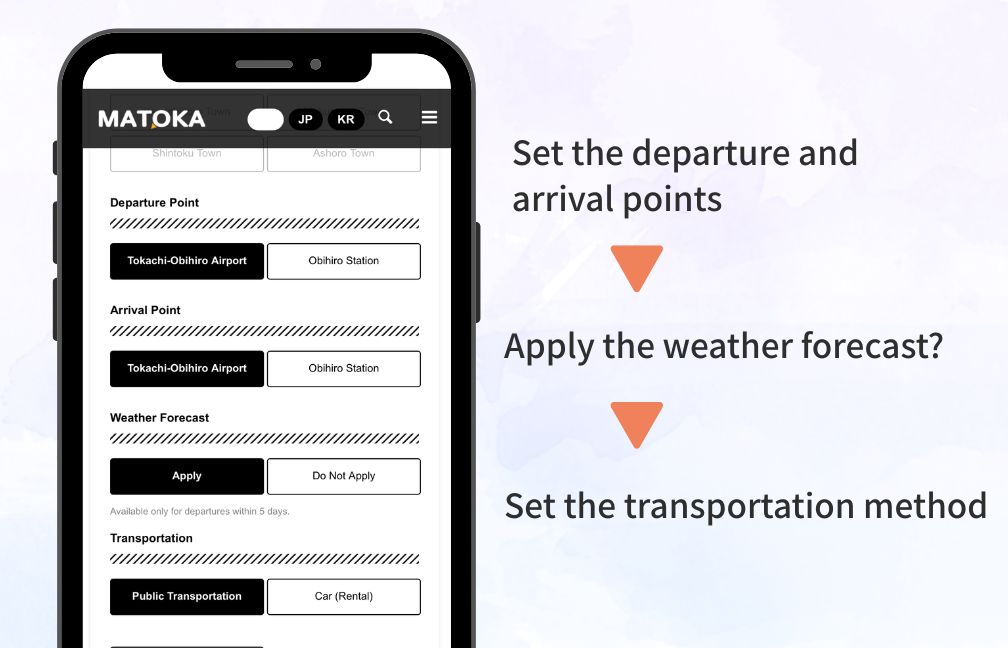
Set your course duration and your departure/arrival points. As of December 2025, you can choose between Obihiro Airport and Obihiro Station, but in the near future you will be able to create plans from your hotel or your current location.
If you apply the day’s weather forecast, it will prioritize indoor spots when the weather is bad. Finally, select your transportation—public transit, taxi, rental car—and start searching.
4. Multiple Route Results Will Appear
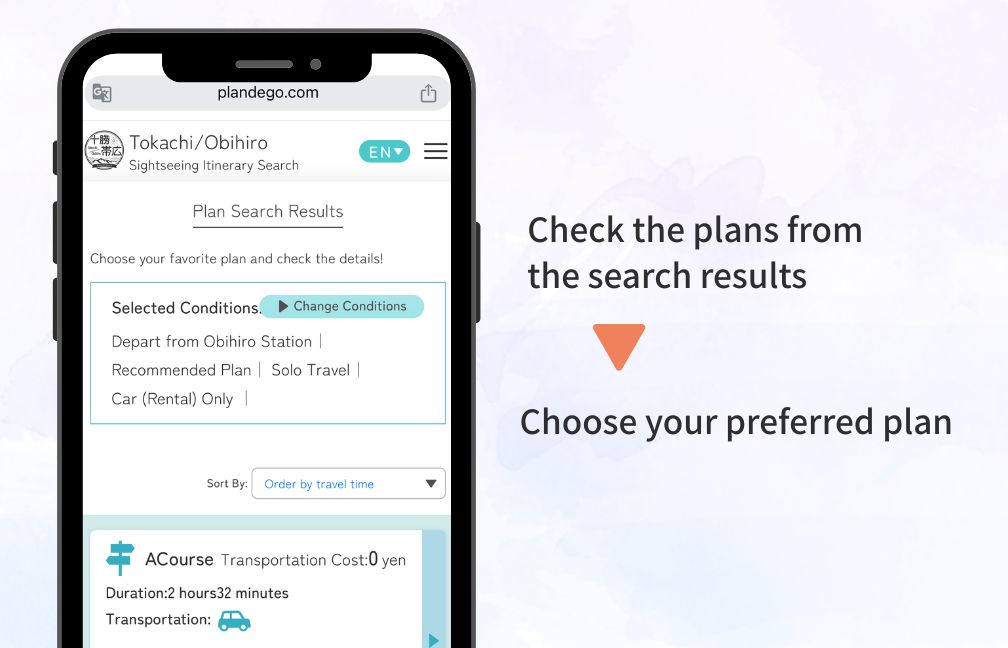
Several course options will be displayed, so choose the one you like best.
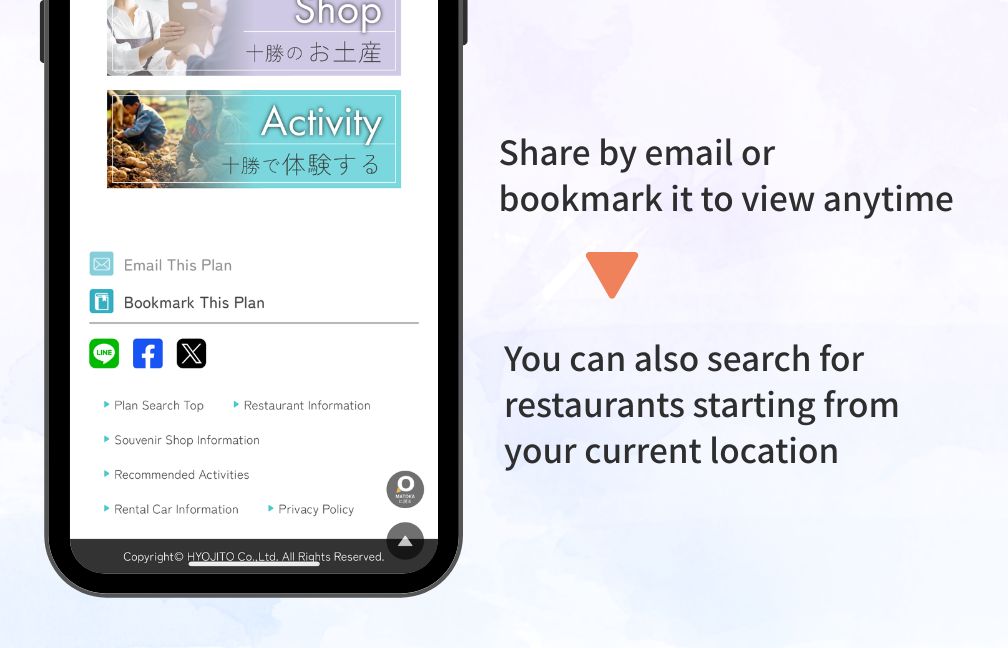
You can share your chosen course with friends or save it as a bookmark for easy access anytime. You can also check nearby restaurants, making it simple to find great places to eat close to where you are now!
Master MATOKA and Create Your Very Own Guidebook
With MATOKA, your trip to Tokachi becomes even smoother. The new “Sightseeing Route Search” works in real time with a wide range of information, including tourist spots, events, food, hot springs, and activities.
Browse the event calendar to discover nearby happenings, add your favorite cafés directly into your plan, or check transportation details such as rental cars to visualize your travel flow. From planning to action, everything can be done on a single screen.
This new feature marks MATOKA’s evolution from a platform you “read” to one you can “use” for travel. Create a route that matches your season and mood, and enjoy the charms of Tokachi in your own way.